
Slotsvader Casino’s access and account creation journey is built to be user-friendly, yet many players still come across pages that fail to load, error messages that show up without reason, or identity checks that halt partway slotsvaders.net. Comprehending what transpires between clicking “Log in” and having your account fully activated assists you in bypassing these issues fast. This guide covers the entire account flow from the first visit to the site through password recovery and 2FA, clarifying what the platform requires at every step and how to address typical issues. By the end you will understand what paperwork to have ready, what browser settings to modify, and what support options to utilize if the login page remains unresponsive.
Comprehending the Slotsvader Casino Account Process
Every player engagement with Slotsvader Casino follows a fixed sequence that commences with a basic registration form and finishes with a completely verified account that can deposit, play, and withdraw. The platform divides the process into 3 distinct steps: account setup, identity confirmation, and continual security maintenance. Every phase has its specific set of required inputs, document submissions, and approval actions, and the login screen will not function correctly until the prior phase is complete. Players who try to bypass ahead often face error notifications that appear like technical issues when they are in reality policy restrictions. Knowing the arrangement of steps prevents uncertainty and reduces the number of instances you have to refresh the login page.
The registration page by itself requests for a proper email address, a username that has not already been taken, and a secret that satisfies the platform’s strength rules. After entering these details, the platform transmits a confirmation URL that needs to be clicked before any additional activity is feasible. Until that URL is activated, the login screen considers the credentials as inactive and returns a general “user not found” message. Once the email is confirmed, the account remains in a waiting condition until identity files are submitted and approved. During this period the login page will accept the handle and secret, but nearly all game types and the payment section remain unavailable until verification finishes.
Login Problem Solving When the Page Fails to Load
When the login page stays empty or shows an endless loading spinner, the cause is nearly always a browser or network setting as opposed to a server outage. Begin by removing the browser cache and cookies for the exact domain slotsvaders.net. Cached files from an earlier session can interfere with updated security certificates and result in a broken page. After clearing, close all tabs associated with the casino and reopen the login page in a private or incognito window; this stops extensions from injecting scripts that interfere with the site’s authentication flow.
If the page still fails to load, test your internet connection by going to a different secure site such as your bank’s login page. Should that load normally, the issue is specific to Slotsvader Casino. In that case, change from Wi-Fi to a mobile data connection or vice versa. Some internet service providers route traffic through transparent proxies that misprocess the casino’s security headers. Changing networks circumvents the proxy and often reinstates immediate access. Should the problem persist across multiple networks and devices, the next step is to reach live chat support directly from the homepage, because a regional routing block may need manual intervention from the technical team.
Complete Registration through the Login Page
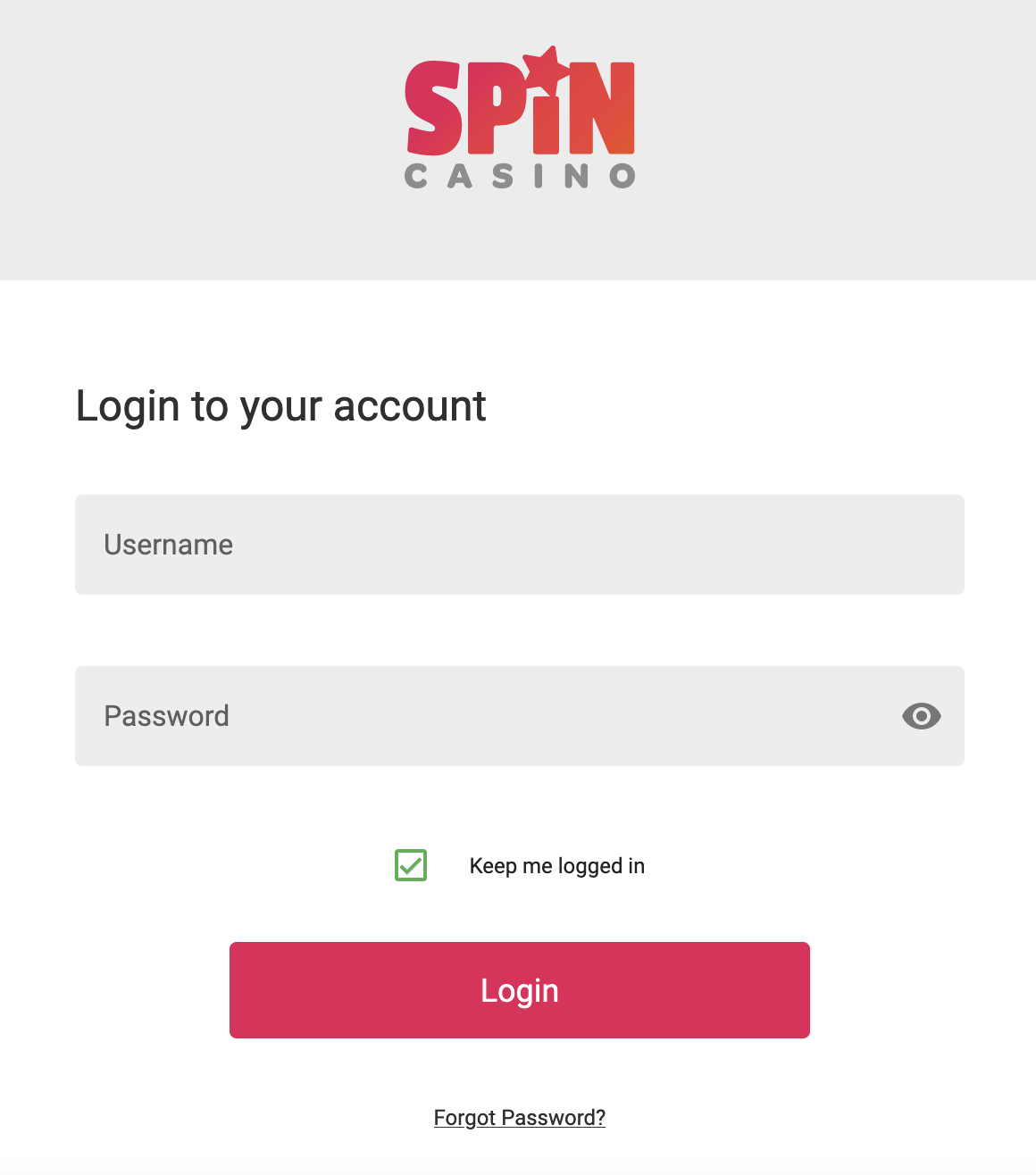
Commence by heading directly to the Slotsvader Casino login page and locating the “Join Now” or “Register” tab, usually located beside the login fields. Tapping this tab shows a short form that gathers the information listed above. Enter your email exactly as you intend to use it for future correspondence, because the system will not permit you to change it later without a support ticket. Select a username that does not include personal information such as birth dates or real names, since the platform presents this name in chat rooms and tournament leaderboards. The password field enforces a minimum length and mandates at least one uppercase letter, one number, and one special character; the form will refuse any entry that violates these checks before you can submit.
After you press the submit button, the page presents a confirmation message and automatically transmits an email with a unique activation link. This link remains valid for seventy-two hours. If the email does not come within five minutes, examine the spam folder and verify the domain slotsvaders.net is not blocked by your mail provider. Selecting the link launches a new browser tab that validates activation and redirects you back to the login page with a pre-filled username field. At this point you can input your password and continue, although full site access will still be limited until verification documents are approved.
Password Recovery and Account Lockout Resolution
Misplaced credentials are processed through a self-service reset link that is displayed below the login fields. Clicking “Forgot Password” launches a compact form that requires only the account email. Upon sending, the system transmits a reset token valid for one hour. The email includes a sequential list of instructions that must be followed exactly; omitting any step, like confirming the new password fulfills complexity requirements, will lead to the reset being unsuccessful silently. Users who submit multiple reset emails during a short window may trigger an automatic security lock that needs manual review, prolonging the wait time up to several hours.
Account lockouts caused by repeated incorrect password attempts operate on a progressive delay schedule. Once five failed attempts the login page displays a thirty-minute cooldown. Every following group of five failures increases twofold the wait time until reaching eight hours. Throughout this time the page still accepts the username and password entry, but the submit button stays inactive until the timer expires. Should you think the lockout resulted from an unauthorised party, create a support ticket and ask for that the account receive additional monitoring; the security team is able to require two-factor authentication on the next successful login even if the feature had been turned off.
Documentation Requirements and Identity Verification Process
Slotsvader Casino implements standard Know Your Customer protocols that mandate every player to provide proof of identity, proof of address, and, in some cases, proof of payment method ownership. The identity document may be a national identity card, a passport, or a driver’s licence that displays your full name, date of birth, and a clear photograph. The address document has to be a utility bill, bank statement, or official government letter issued within the last three months and displaying both your name and residential address. If you deposited with a credit card, the platform may also request a photo of the card displaying only the last four digits and the name embossed on the front.
Valid File Formats and File Size Restrictions
Documents have to be uploaded as colour scans or high-resolution photographs in JPG, PNG, or PDF format. Each file has to be under five megabytes. Black-and-white scans are rejected because they hide security features such as holograms and watermarks. If your mobile phone creates images larger than the limit, employ the built-in compression tool or an online image resizer before uploading. The verification portal displays a live progress bar after each successful upload, and you can replace any file that receives a “rejected” status without restarting the entire process.
Typical Review Timeframes
Most identity documents are reviewed within four to twenty-four hours during business days. Address verification could take an additional twenty-four hours because the compliance team validates the document against external databases. If you upload documents on a weekend or public holiday, add an extra business day to these estimates. You will obtain an email notification at each stage: submission confirmed, under review, approved, or additional information requested. Until the final approval comes through, the login page will permit you to reach the lobby but will prevent any attempt to open a game or access the cashier.
Setting up Two-Factor Authentication for Extra Security
Two-factor authentication at Slotsvader Casino uses time-based one-time passwords produced by authenticator applications such as Google Authenticator or Authy. The setup process starts in the account settings menu, which is available only after a successful login. Navigate to the “Security” tab and pick “Enable 2FA.” The page presents a QR code and a manual entry key. Scan the code with your authenticator app or type the key manually, then type the six-digit code shown on your device into the confirmation field. Once verified, the system right away needs a fresh code on every subsequent login attempt.
Backup codes are created automatically during the initial setup. These ten single-use codes ought to be printed or kept in a password manager immediately, because they are the only way to regain access if you forget your phone. Each code can be used only once, and the list cannot be regenerated without disabling and re-enabling the entire 2FA feature. If you choose to travel to a region without reliable mobile service, generate a new set of backup codes before departure so that you are never locked out of your account while away from your primary device.
Browser Settings and System Compatibility Checks
The Slotsvader Casino login page is optimised for the latest versions of Chrome, Firefox, Safari, and Edge running on both desktop and mobile operating systems. Outdated browsers often mishandle the modern encryption protocols the site utilizes, resulting in connection resets that appear as page-load failures. Refresh your browser to the latest stable release and verify that JavaScript and cookies are activated for the casino domain. Disabling third-party cookies while keeping first-party cookies active usually resolves conflicts caused by advertising blockers or privacy extensions.

Mobile users should confirm that their operating system is running version 13 or higher for iOS and version 8 or higher for Android. Outdated versions do not have the WebAssembly support necessary for the site’s security scripts. In addition, some mobile browsers function in a “desktop site” mode that applies a different layout; move to the default mobile layout if the login fields seem distorted or cut off. Finally, disable any VPN or proxy applications before seeking to log in, since the platform limits access from known commercial VPN endpoints to comply with licensing conditions. Once these settings are confirmed, the login page should display consistently across all devices you aim to use.
By adhering to the sequence described above you will move from a non-functional login page to a fully validated and secure account without unnecessary delays. Have your documents ready in digital format, use an updated browser, and keep your backup codes in a safe location. When the next login attempt succeeds, you can zero in on playing the games rather than fixing technical barriers.